Give Everyone a Voice with live Q&A
Keep discussions organized and inclusive. Live Q&As let participants ask questions anytime, while helping you to prioritize the ones that matter most.
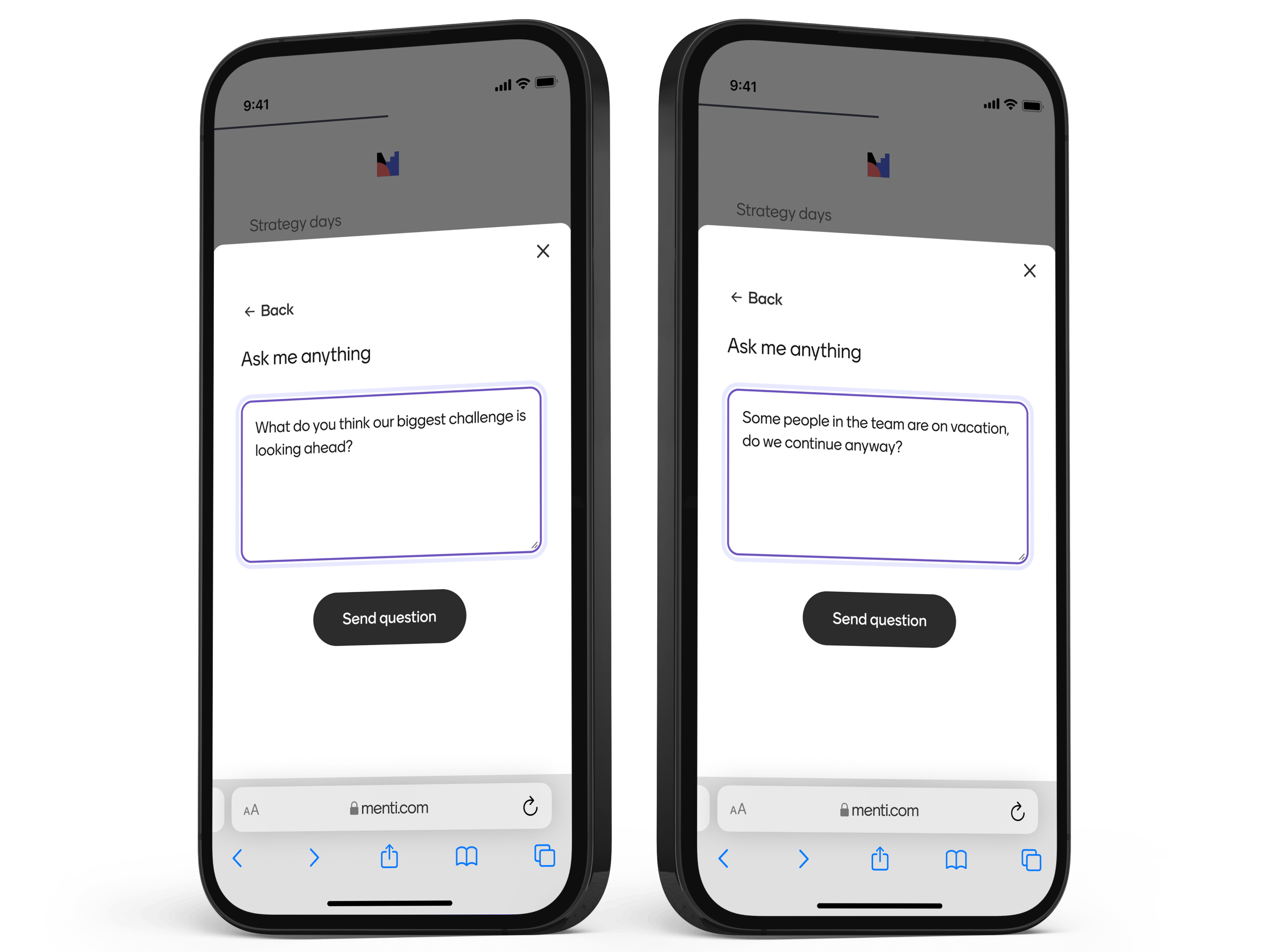
Structured, inclusive discussions
Live Q&A ensures everyone has the chance to be heard, without interrupting the flow of your presentation.
Moderate with ease
Highlight questions so discussions stay focused, respectful, and productive.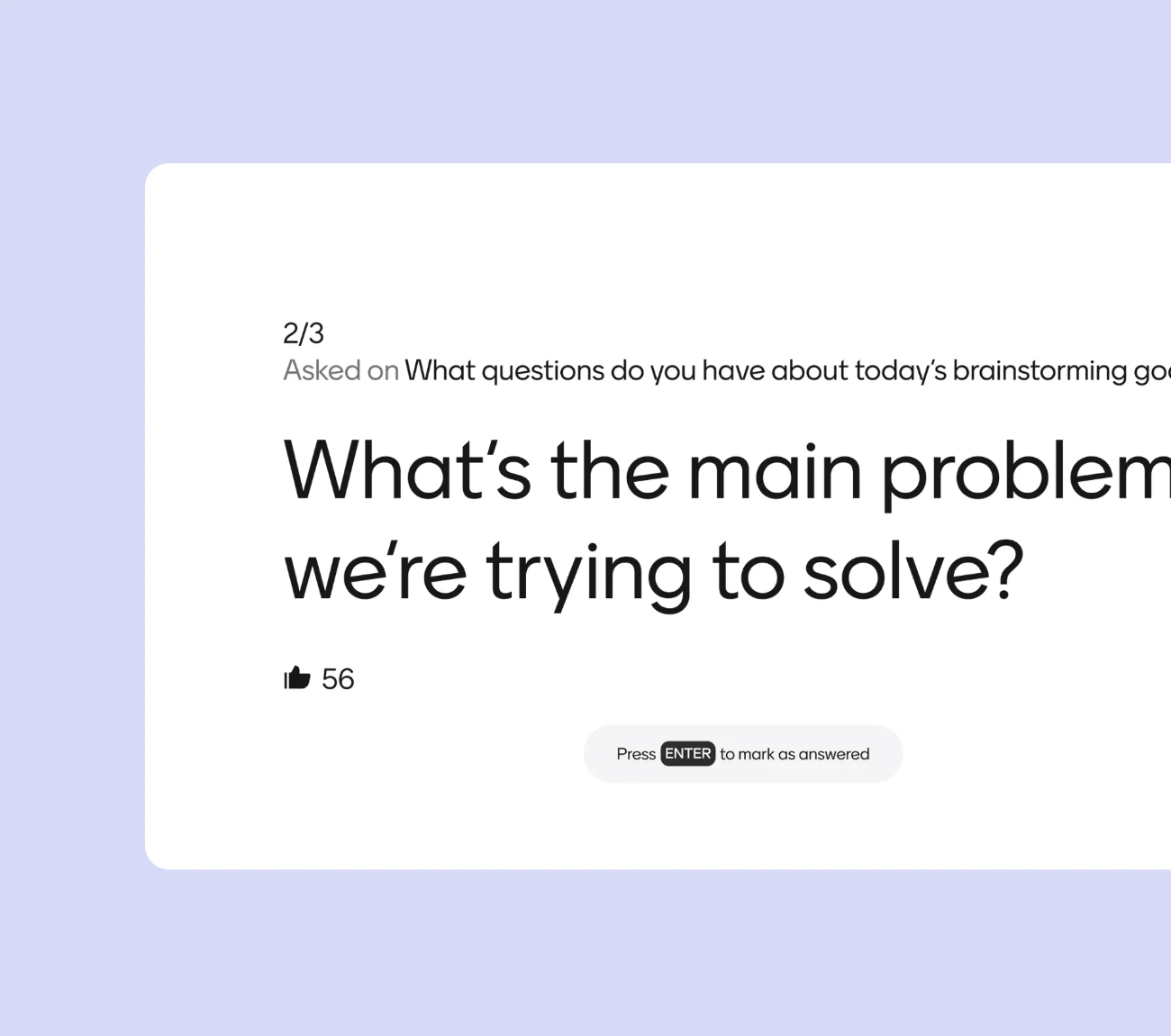
Surface top questions
Participants can upvote questions, helping you address what matters most to your audience.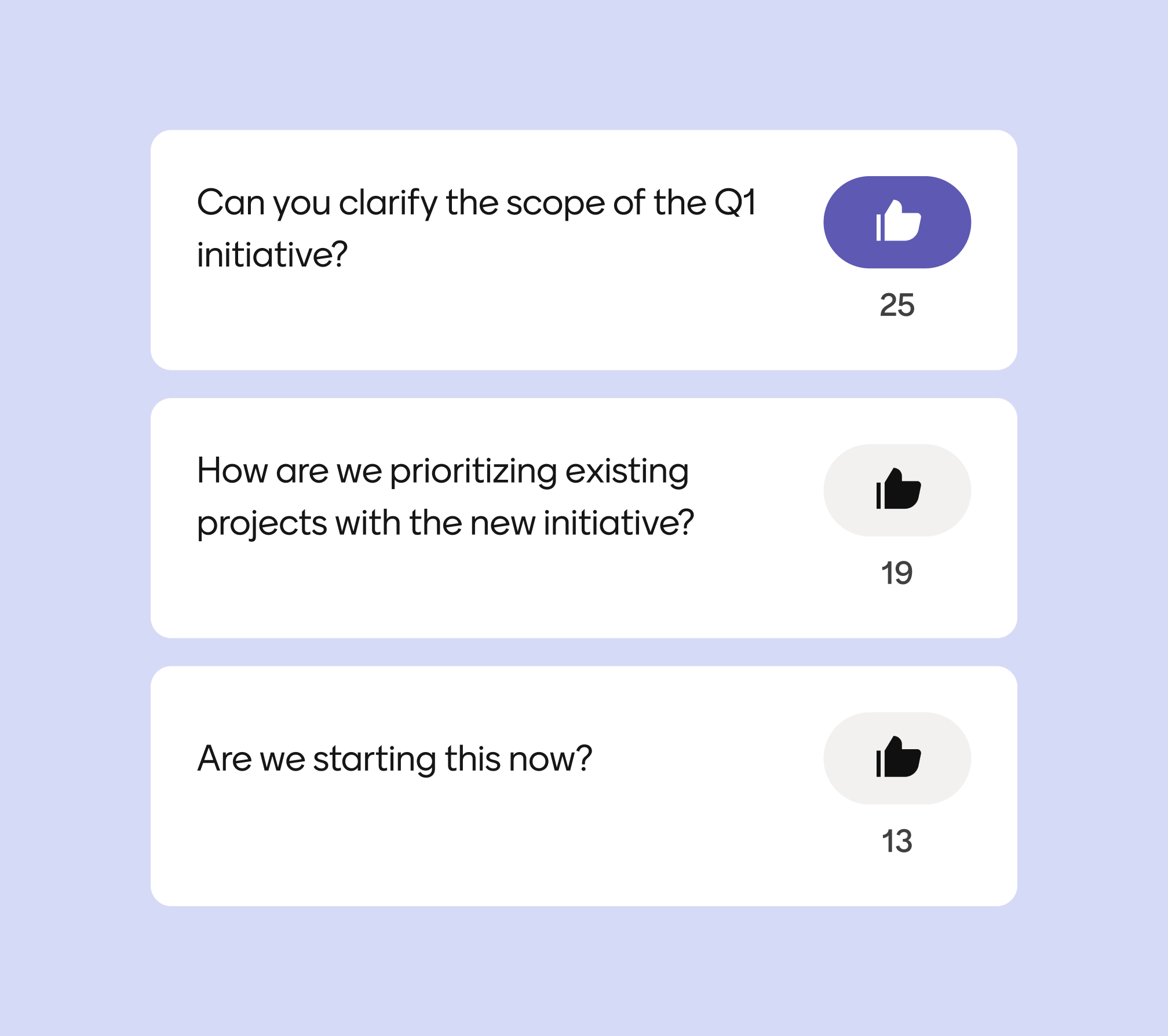
How to Run a Live Q&A
1. Add a Q&A slide
Create space for your audience to ask questions.
2. Share your code
Participants submit from their devices.
3. Moderate & answer
Display and address questions live.
templates made
for big ideas
Save time and get inspired with ready-to-use templates created from real-world workshops, classrooms, and team sessions.
Gather Feedback on ExamsSee if your students prefer in-person testing, asynchronous exams, or if they happen to enjoy writing essays more than giving presentations.
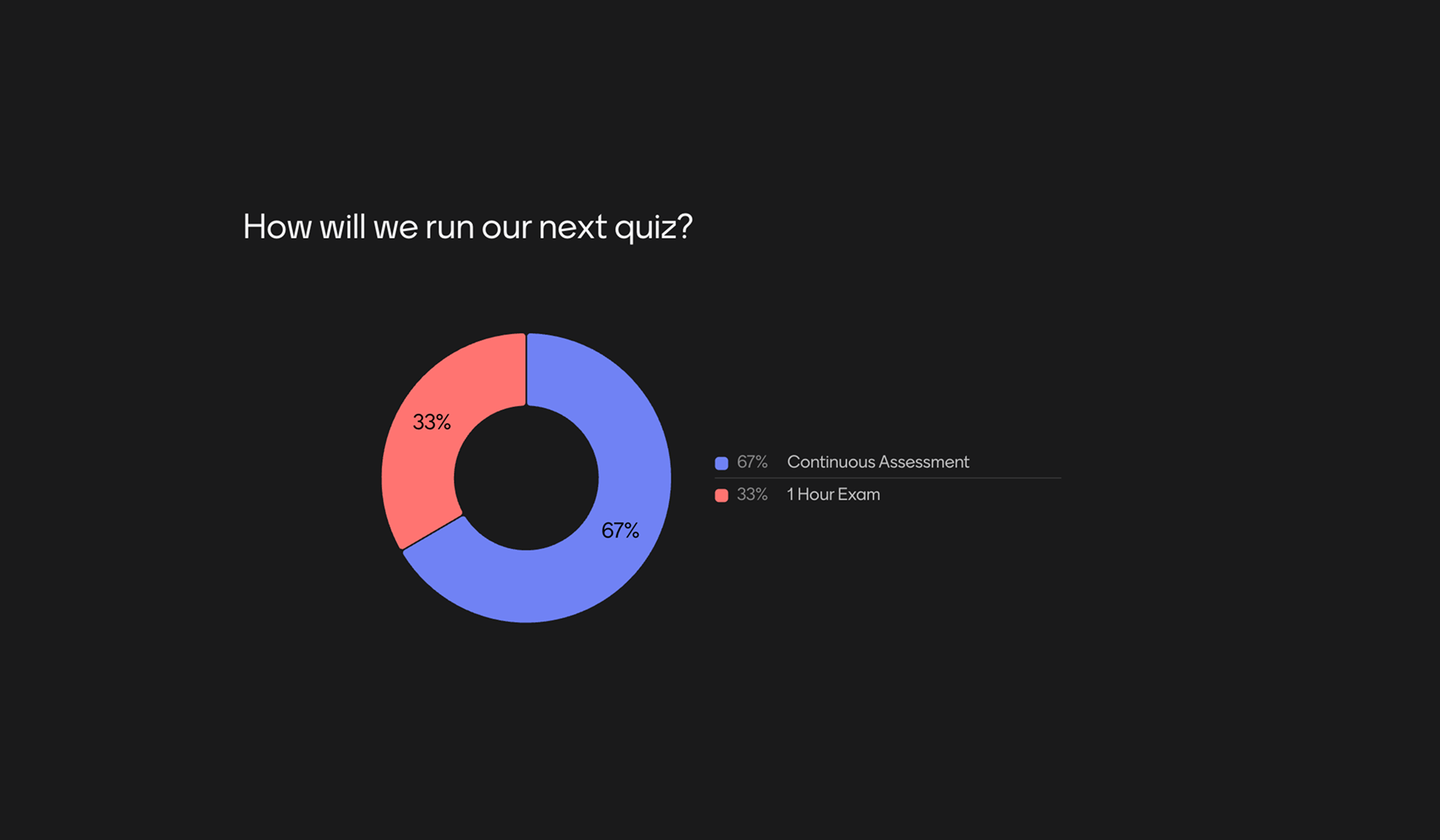
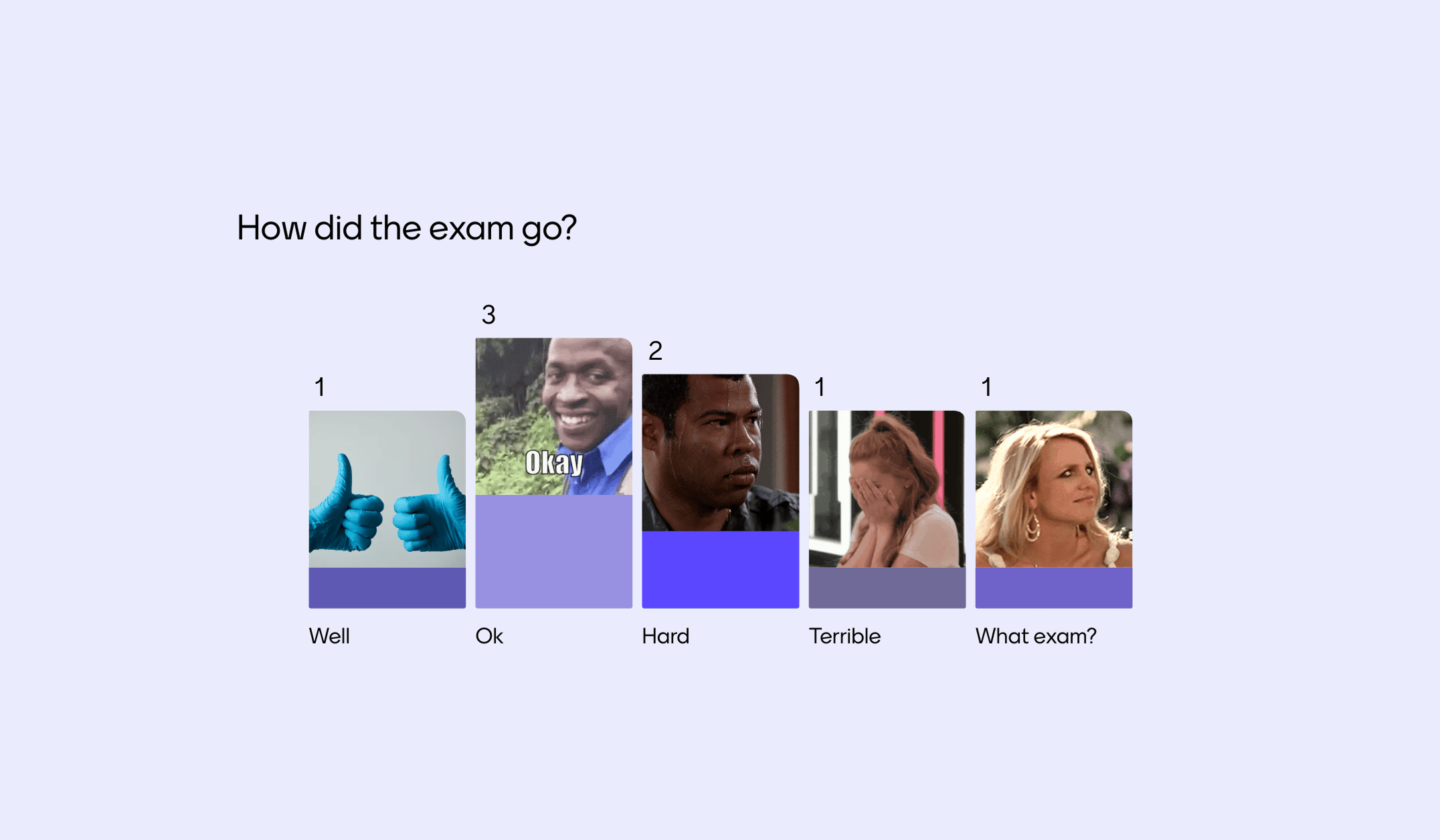
Exam reflectionCheck-in with students after an exam to see how they felt it went.
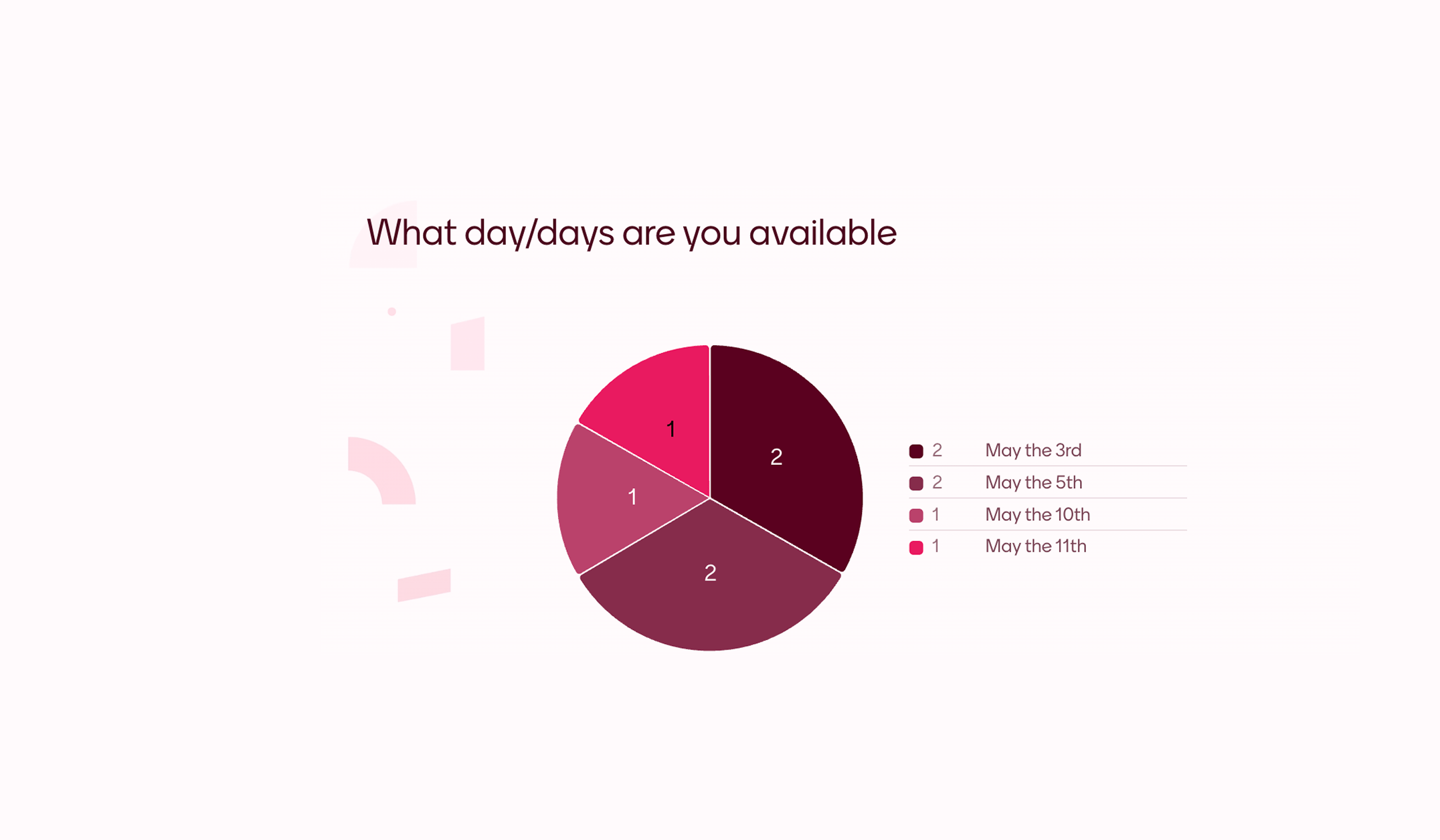
Scheduling PollFind a day when everybody is available quick and easy with this poll. Adapt this template to make it suit your event and let your friends or colleagues vote for what day works best.
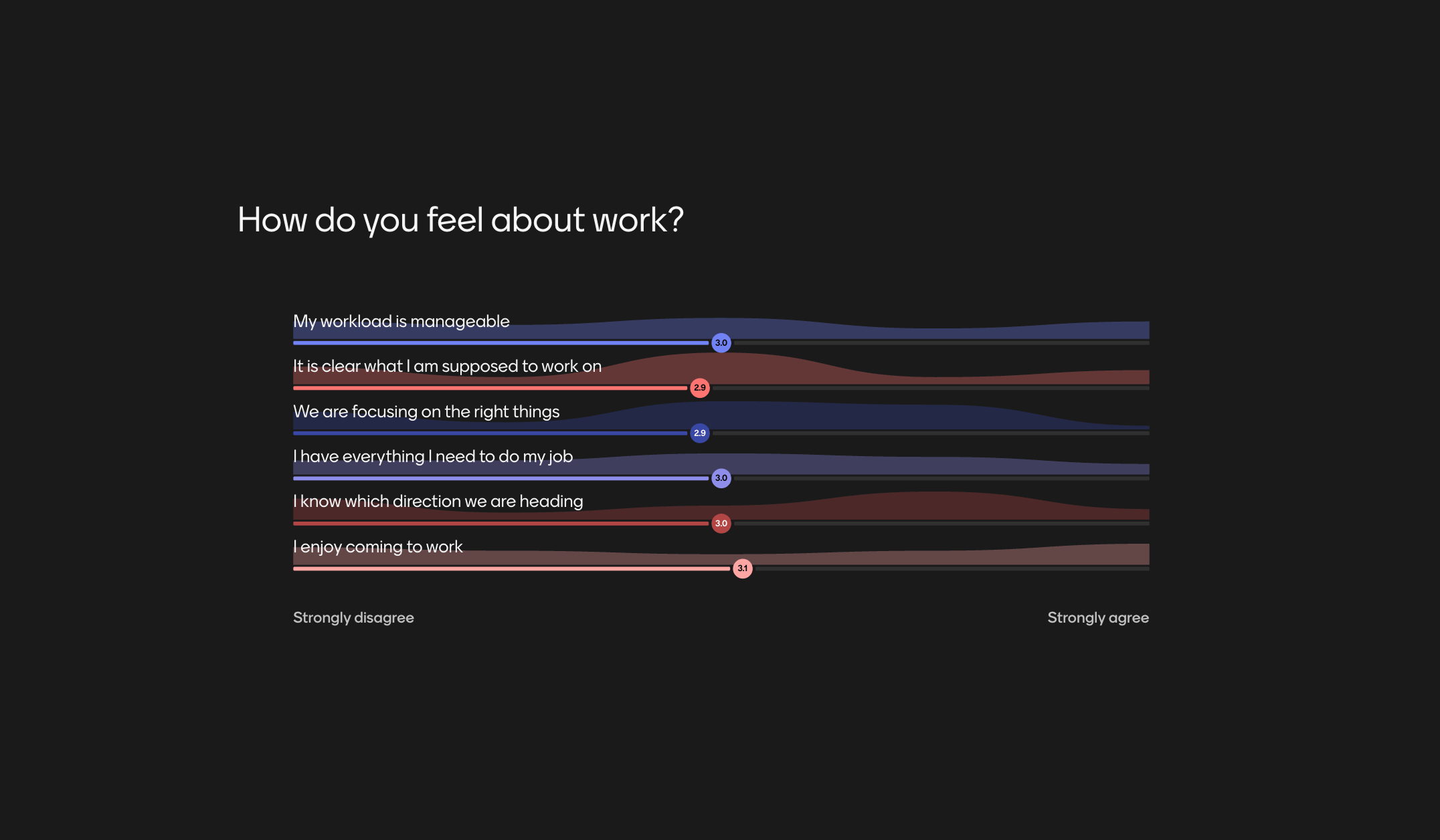
Weekly team pulse-checkKeep a finger on the pulse of people's opinions, especially when hybrid working. Run pulse checks at the beginning of weekly team meetings to check in with anyone and catch any issues.
Previous
Next


Mentimeter helps me tailor activities to my students' needs.
Carla el KhouryArabic Instructor
More than just Q&A
With everything from live polls and Q&As to AI-powered presentations, Mentimeter fits right into any meeting, class, or workshop.
Interactive presentations
Turn your presentations into conversations and keep your audience engaged.
Questions, meet
answers.
Curiosity happens. We’ve answered our most frequently asked questions in one place.